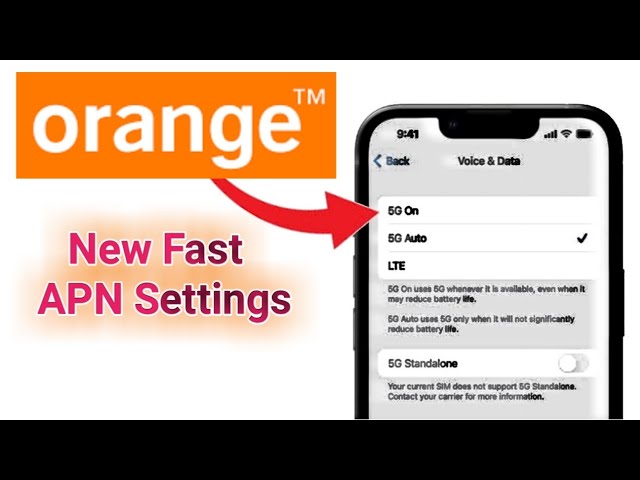
If you’re using a SIM card from Meditel in Morocco and can’t connect to mobile data, it’s because the company was officially rebranded to Orange Morocco in 2016.
Your phone’s Access Point Name (APN) settings, which act as the gateway between your phone and the mobile internet, are likely outdated. This guide will provide the correct, modern 4G/5G APN settings for Orange Morocco to get your data working.
Part 1: How to Find the APN Menu on Your Android Device
The path to the APN settings menu can differ slightly depending on your Android version and phone manufacturer. Here is the most common path:
- Open your phone’s “Settings” app.
- Tap on “Network & internet” or “Connections”.
- Tap on “Mobile network” or “SIMs”.
- Select the Orange MA (or “Meditel”) SIM card.
- Scroll down and tap on “Access Point Names (APN)”.
On this screen, you will see a list of APNs. Do not edit the default one. Instead, you will add a new, correct one.
Part 2: The Correct Orange Morocco APN Settings (2025)
Tap the plus icon (+) or the three-dot menu (⋮) and select “New APN”. Carefully enter the following settings. Leave any field not mentioned in this list blank.
| Setting | Value |
| Name | Orange MA |
| APN | orange |
| Proxy | Not set |
| Port | Not set |
| Username | Not set |
| Password | Not set |
| MCC | 604 |
| MNC | 00 |
| Authentication Type | PAP |
| APN Type | default,supl |
| APN Protocol | IPv4/IPv6 |
| APN Roaming Protocol | IPv4/IPv6 |
Important Note: The old 3G settings (wap.meditel.ma) with a proxy server are obsolete and will prevent most modern apps from working. Do not use them.
Part 3: Activate the New APN
- After entering the settings, tap the three-dot menu (⋮) in the top-right corner and tap “Save”.
- You will return to the APN list. Tap the radio button next to the new “Orange MA” APN you just created to make it active.
- Restart your phone. This is a crucial step to force the phone to connect to the network with the new settings.
After your phone reboots, your 4G, LTE, or 5G mobile data connection should be active.
Troubleshooting & Tips
- Still No Internet? Go back and double-check every setting. A single typo (like in “APN Type”) will cause it to fail.
- Alternative APN: If the
orangeAPN doesn’t work after a restart, try the legacy 4G APN. Create another new APN, but this time useinternet.meditel.mafor the “APN” field. Save and select it, then restart. - Check Mobile Data: Ensure that “Mobile Data” is toggled ON in your phone’s main settings or quick-access panel.
- Network Coverage: Make sure you are in an area with Orange network coverage.
Conclusion
Your internet issues are most likely caused by using settings for “Meditel,” a brand that no longer exists. By updating your APN to the current Orange Morocco settings, you are refreshing the connection to their modern network. If you still have trouble after following these steps, you may need to contact Orange Morocco customer support directly.

